




















Introduction
SplitCam is a multifunctional software designed to enhance webcam capabilities and video broadcasting. The program allows you to simultaneously use one webcam in several applications, broadcast video in high quality and apply effects in real time. With support for popular streaming platforms and a simple interface, SplitCam is favored by both beginners and advanced users.
SplitCam program features
SplitCam offers a wide range of features that make it an indispensable tool for video calls and live broadcasts:
- ✅ Split your webcam between multiple applications simultaneously.
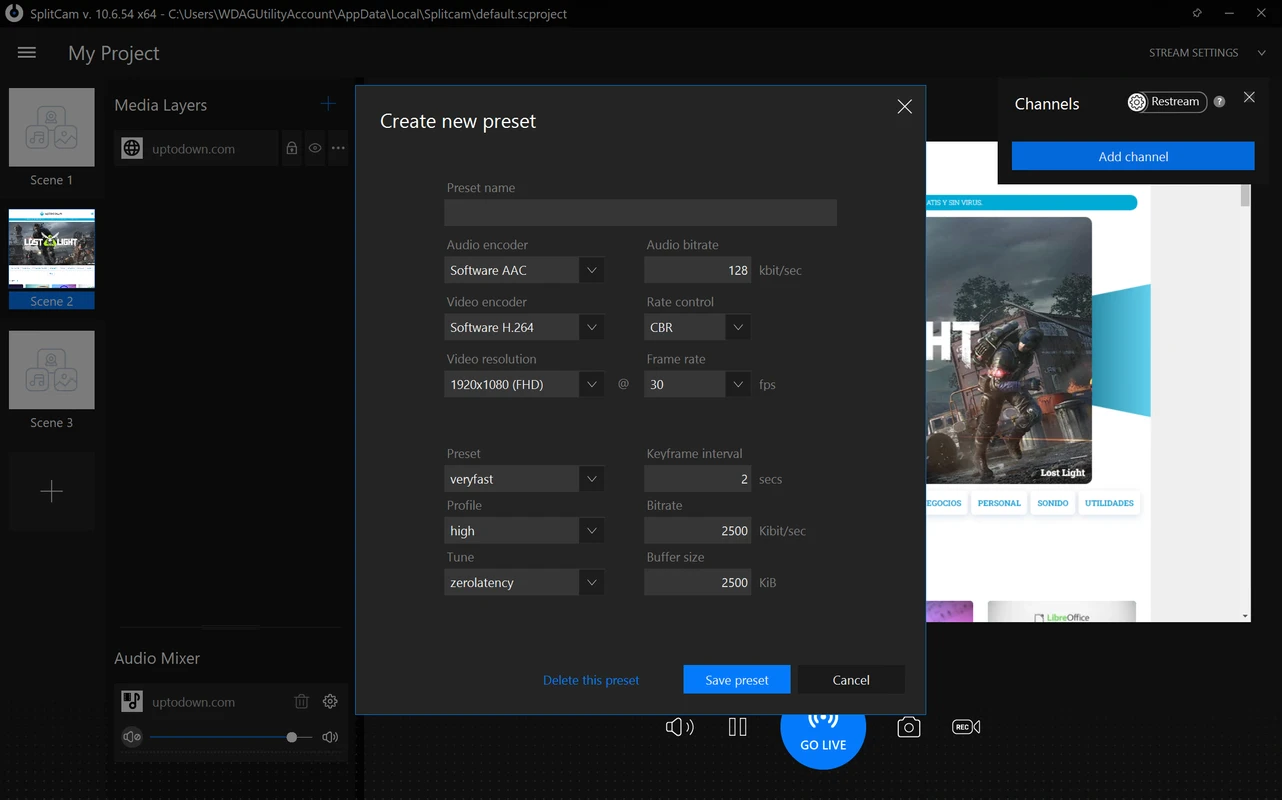
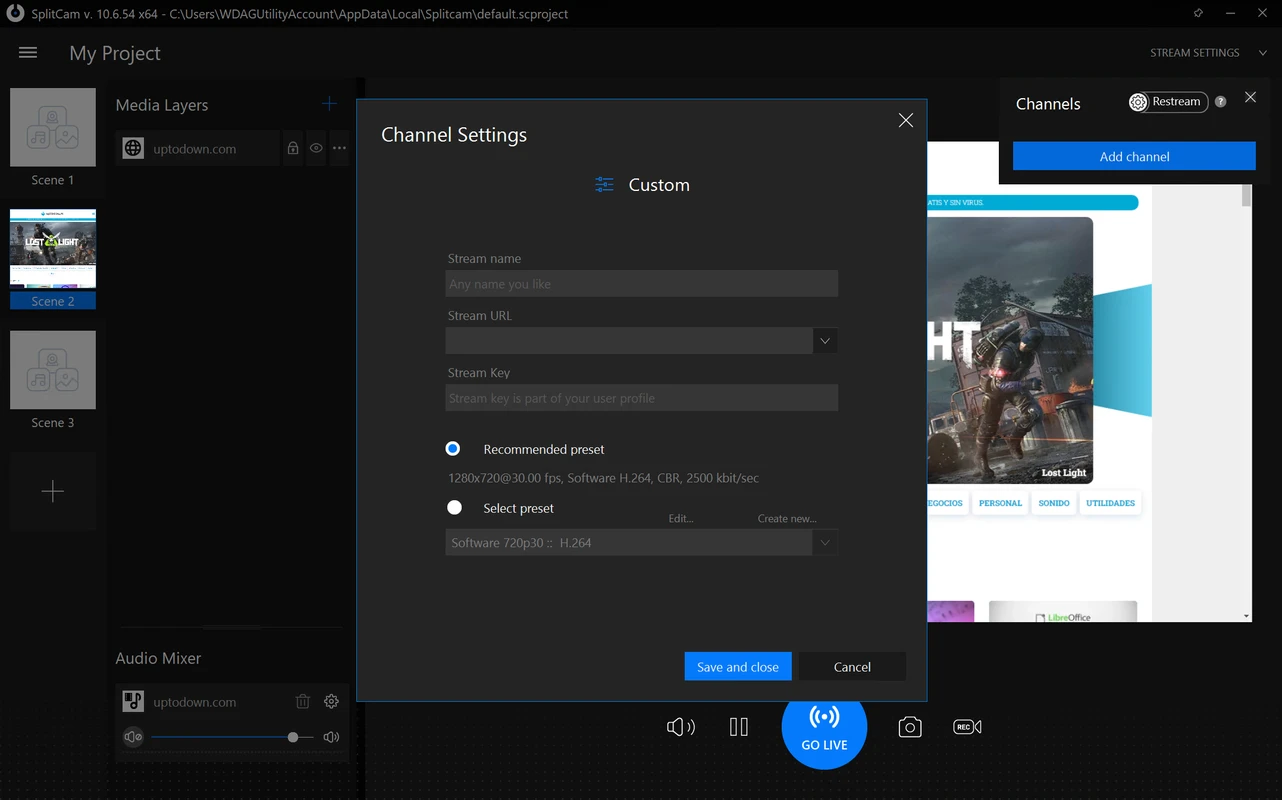
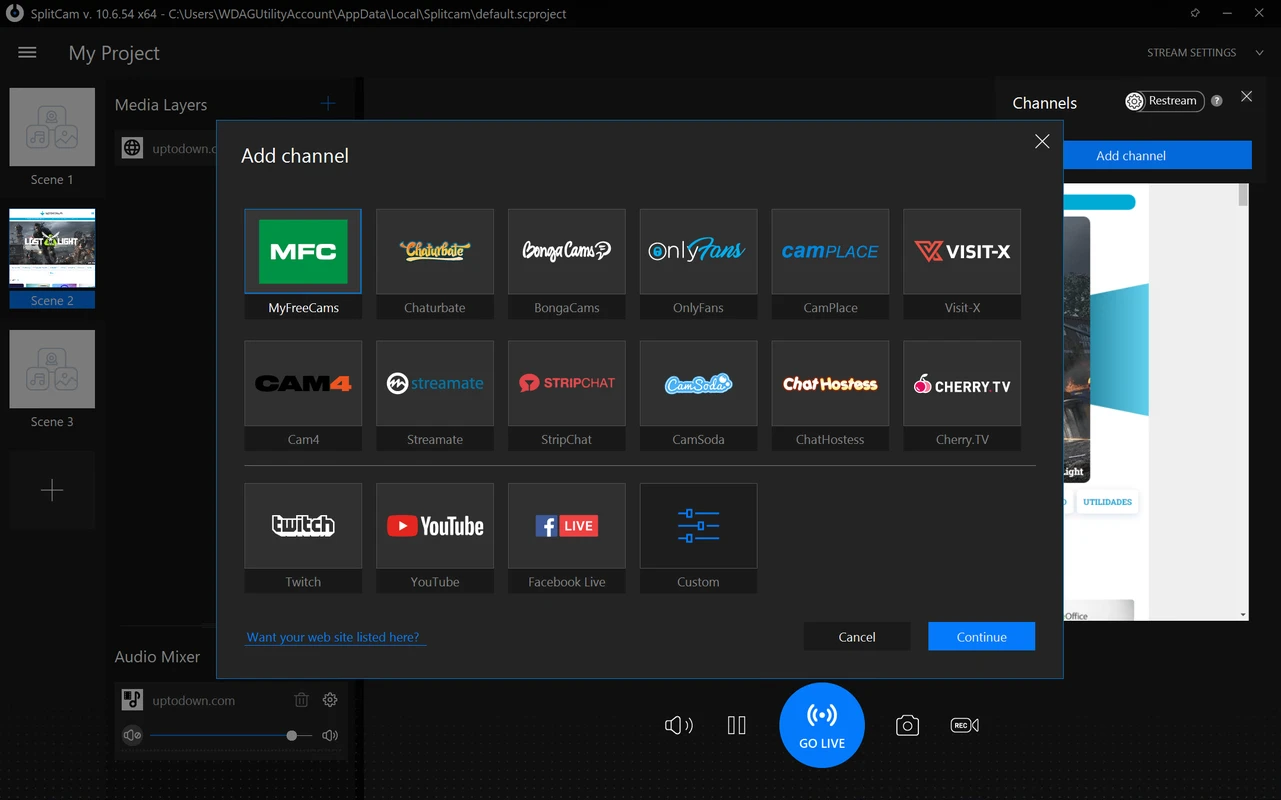
- ✅ Live streaming to YouTube, Twitch, Facebook and other platforms.
- ✅ Add video filters and effects.
- ✅ Virtual webcam - you can broadcast not only video from the camera, but also from the screen, video player and other sources.
- ✅ Audio source support - you can select a microphone and customize the sound.
- ✅ Integration with OBS Studio and other streaming programs.
Benefits of using SplitCam
- Free: SplitCam is available for download without any payment or subscription.
- Messenger compatibility: works with Zoom, Skype, Microsoft Teams, Discord, etc.
- High quality video: up to 4K with the right equipment.
- Intuitive interface: easy to learn even without experience.
How to install and start using SplitCam
- Install the program on your computer (Windows 7, 8, 10, 11 are supported).
- Connect your webcam and start SplitCam.
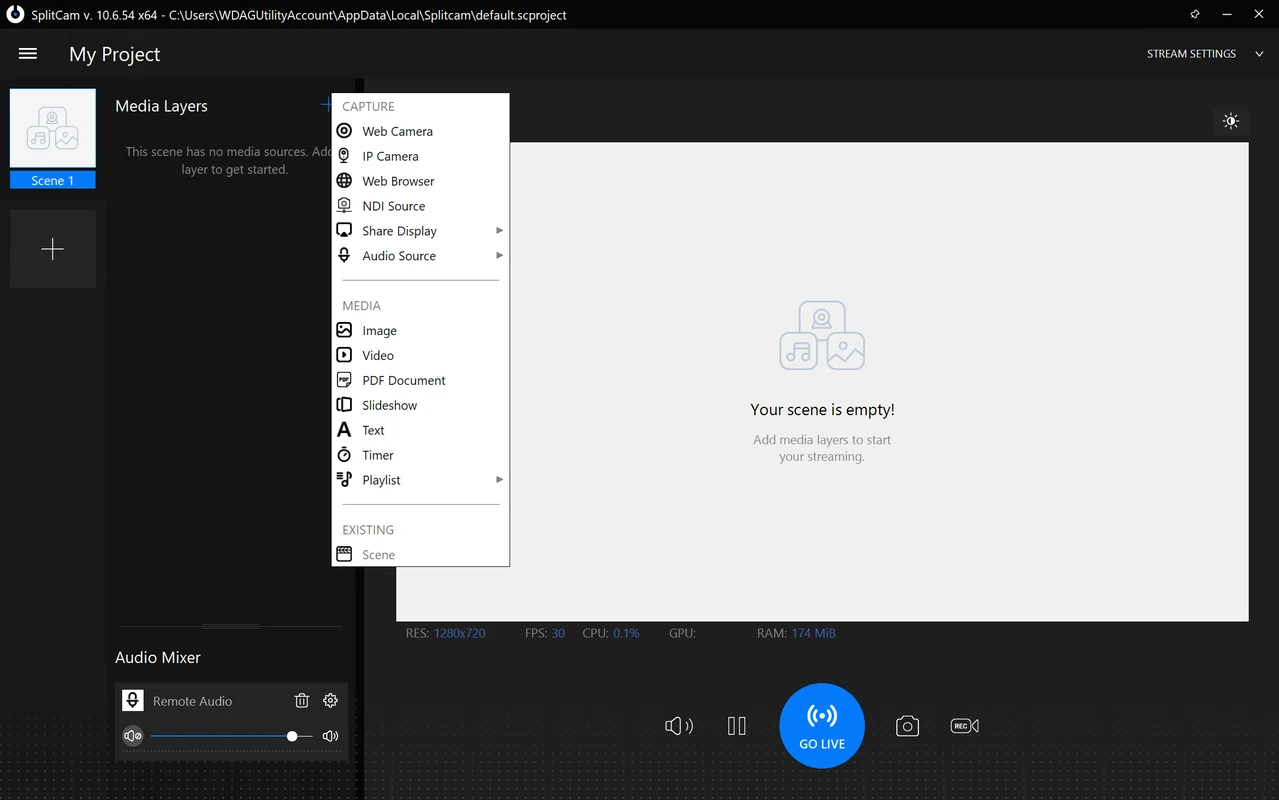
- Customize the video source (camera, screen, video file, etc.).
- Add effects, logo or captions if necessary.
- Connect a streaming platform or open a messenger - choose SplitCam as your video source.
Why choose SplitCam?
Whether you need to stream, communicate in video format, or host webinars, SplitCam provides all the tools you need without the hassle. The ability to connect external sources, change backgrounds, apply effects, and broadcast to multiple platforms at once makes this program versatile.
Conclusion
SplitCam is a handy and powerful tool for those who are looking for a free alternative to paid video streaming and webcam programs. With its help, you can expand the capabilities of conventional video communication and bring the quality of broadcasts to a new level. This is especially relevant in the context of remote work, online learning and the development of streaming services.

-logo.webp)